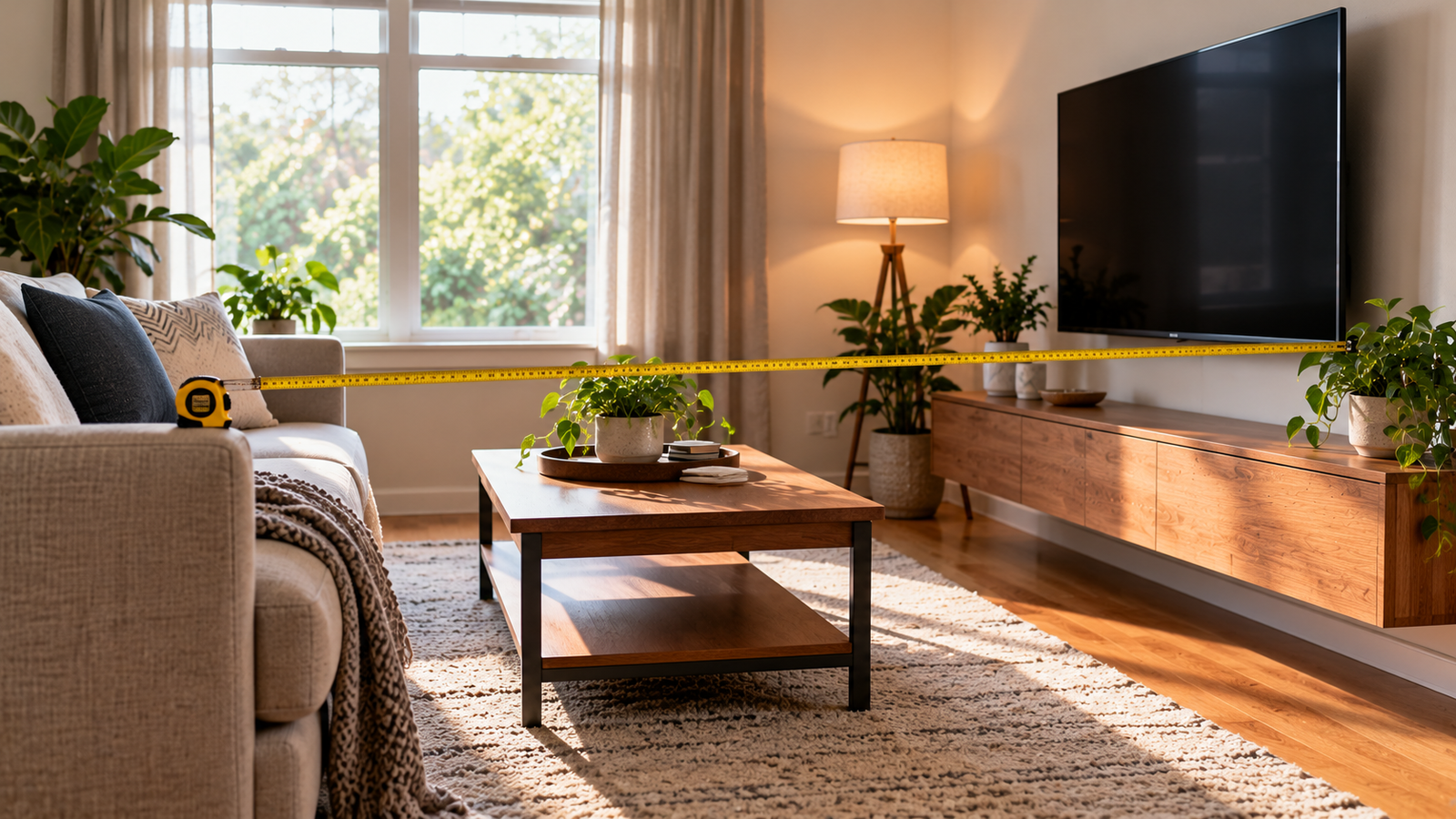
TV Viewing Distance Calculator
Estimate a seat distance from the screen size and whether you watch in 4K or 1080p.
Use Tool
Use focused PDF workspaces, browser image utilities, and practical calculators. Each page explains what its result can and cannot do, including where files are processed.

Estimate a seat distance from the screen size and whether you watch in 4K or 1080p.
Use Tool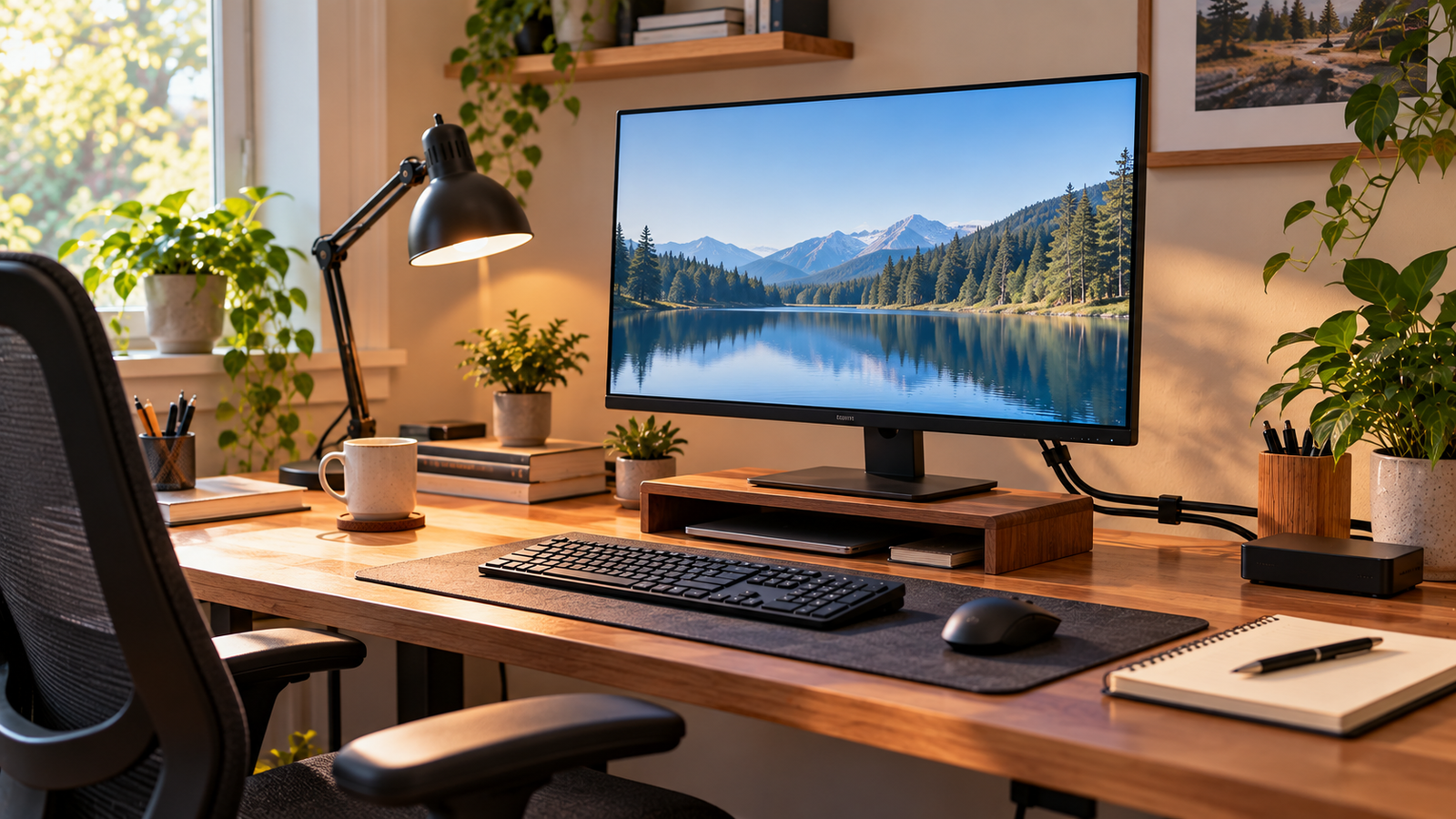
Plan monitor distance from the desk depth you enter, plus mouse side. It is not a posture diagnosis.
Use Tool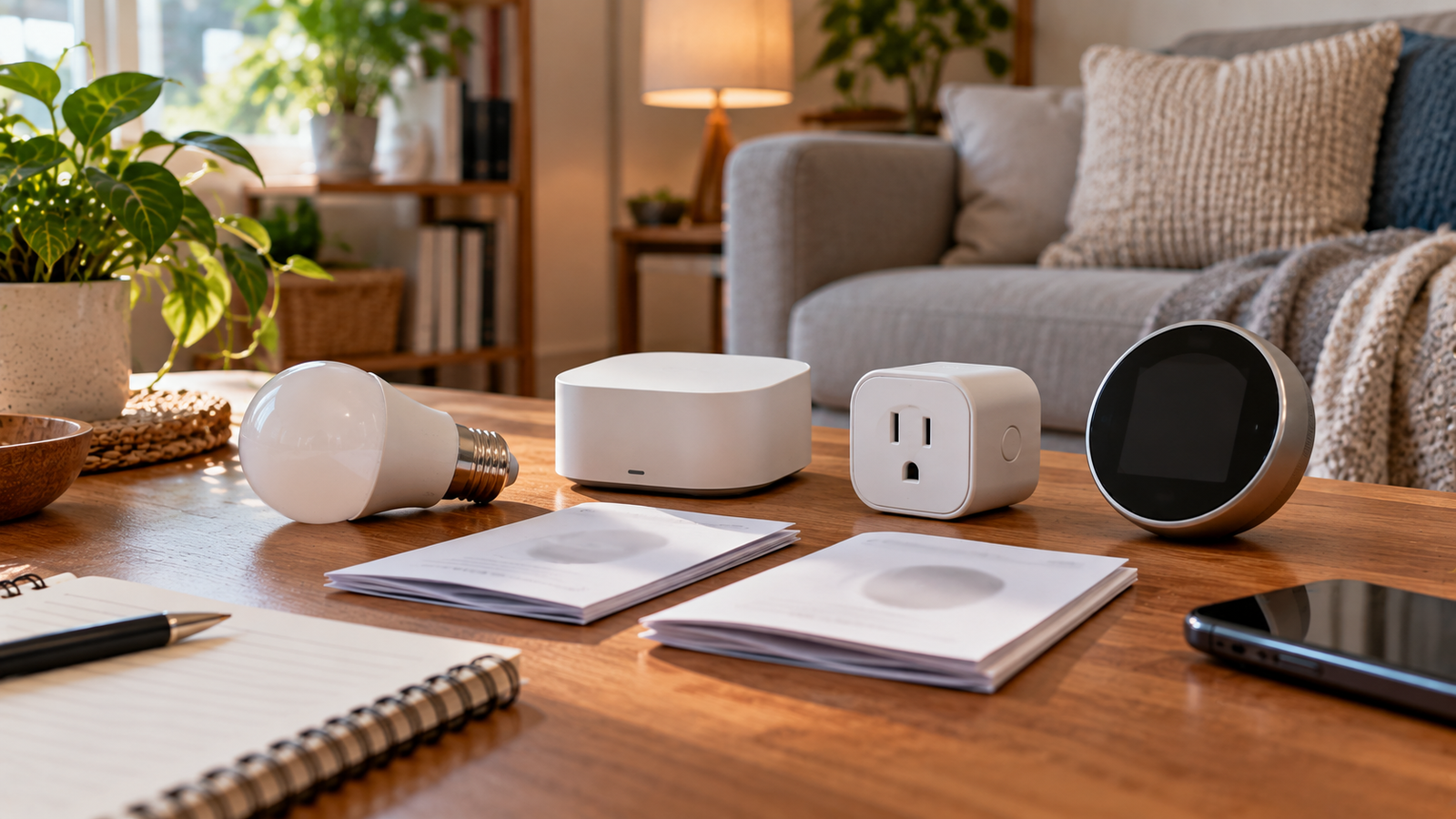
Review key questions before adding connected devices, hubs, lights, speakers, cameras or thermostats.
Use Tool
Estimate paint quantity based on room measurements. Results are estimates and may vary by paint type, surface condition and coats required.
Use Tool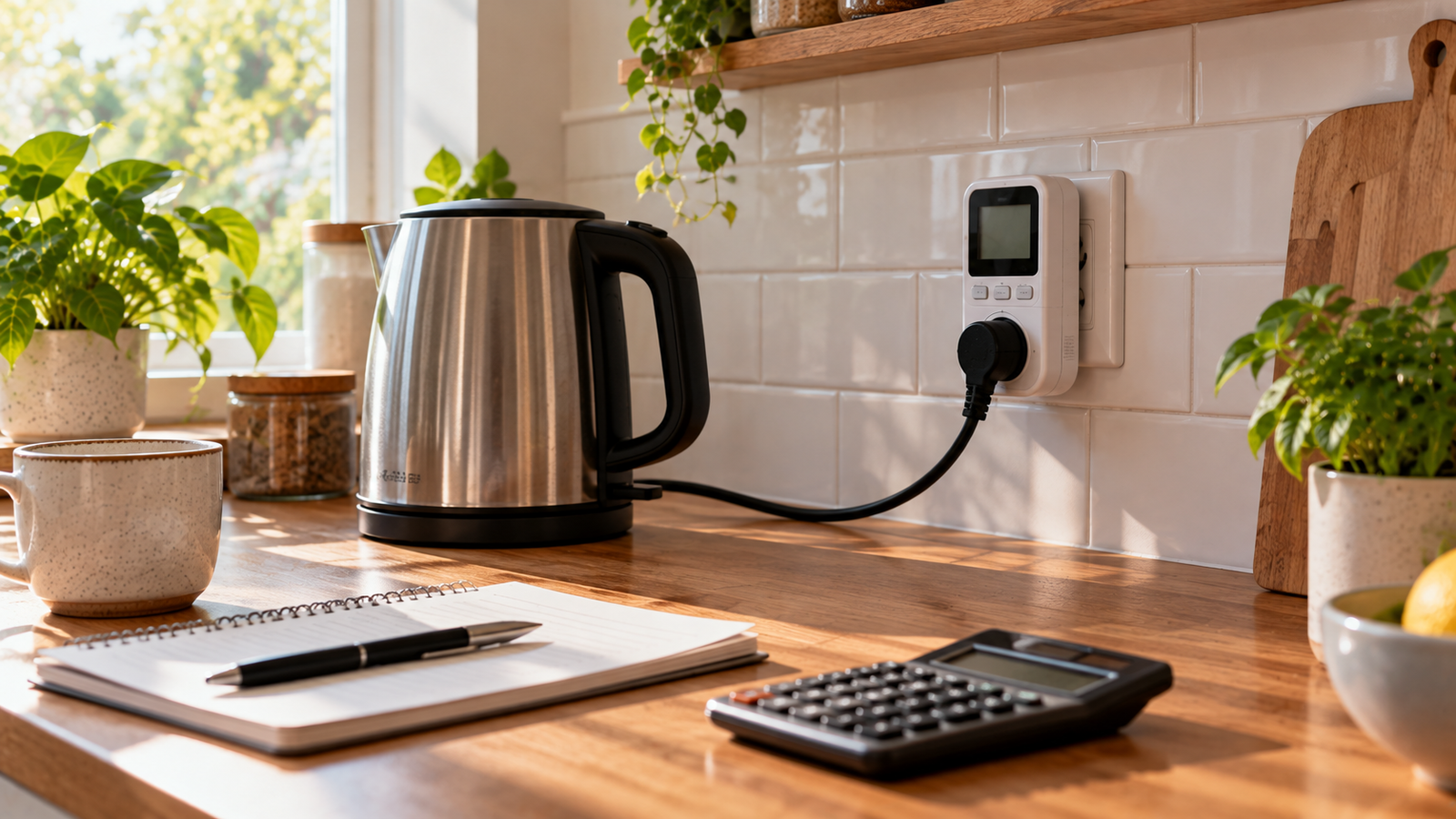
Explore a basic estimate using appliance wattage, hours of use and your electricity-rate input.
Use Tool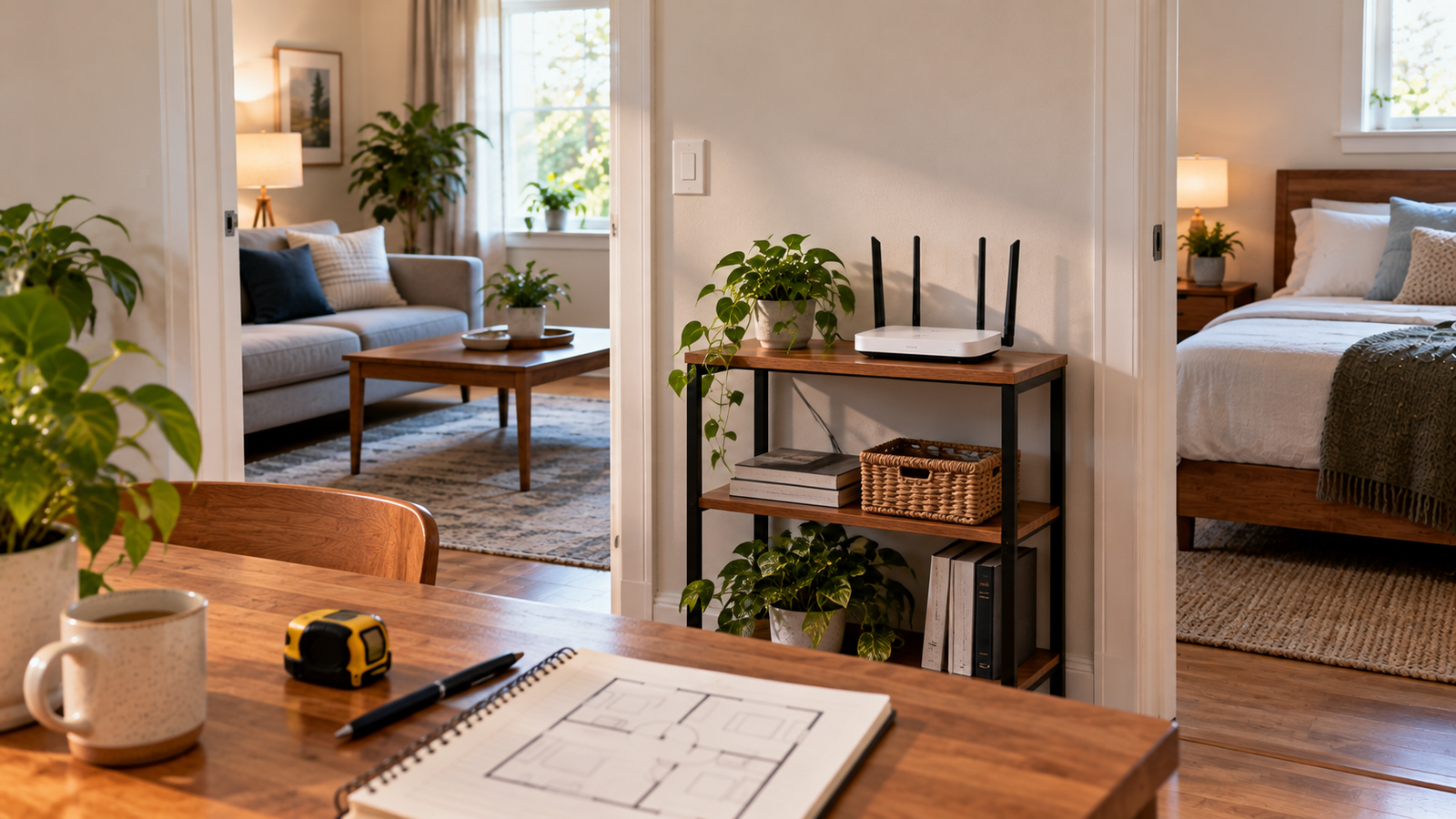
Estimate a starting number of Wi-Fi units to price, then test coverage in your rooms.
Use Tool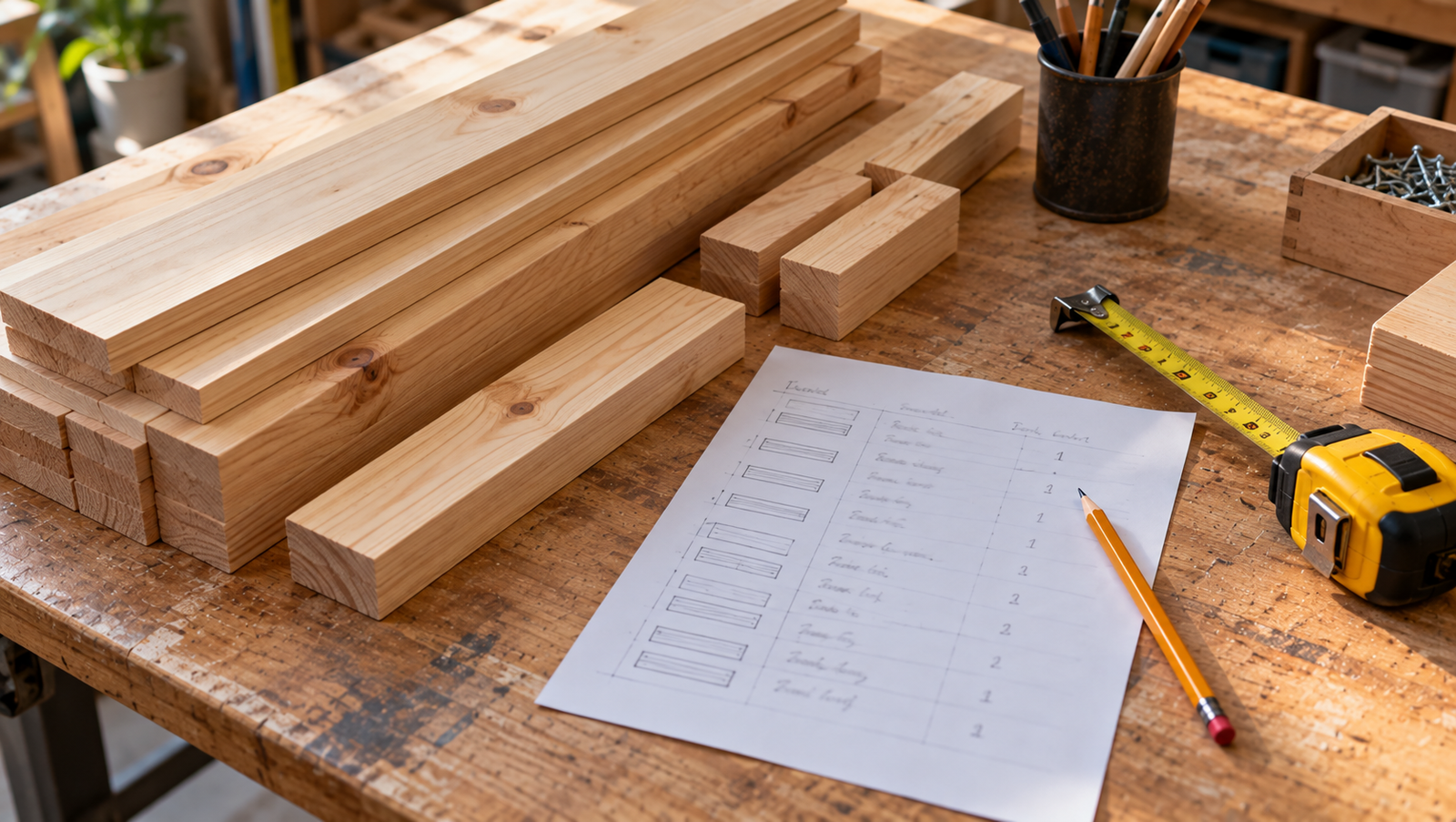
Turn a cut list into linear feet with a waste allowance.
Use Tool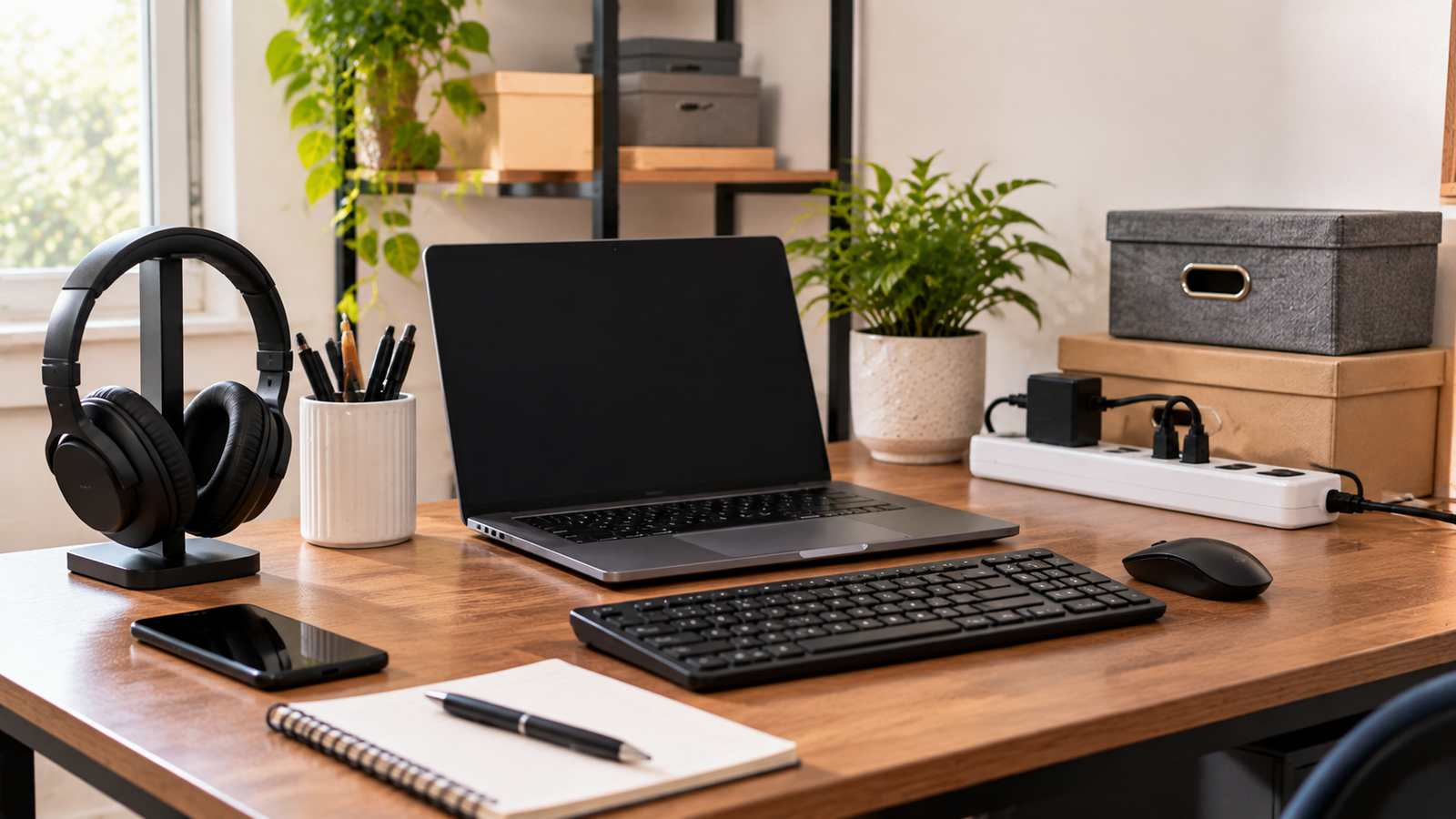
Generate a short equipment list for a small team or a home office.
Use Tool
Reduce a JPEG file size in your browser with a quality slider. Nothing is uploaded.
Use Tool
Convert a PNG to WebP locally in your browser when the browser supports encoding.
Use Tool
Convert a WebP image to JPEG in your browser, with a background color for transparency.
Use Tool
Resize JPG, PNG, or WebP images locally with optional aspect-ratio lock.
Use Tool
Read basic image details (MIME, size, dimensions) locally in your browser.
Use Tool
Choose a task below. Browser image conversion stays on your device; other PDF operations use private temporary server storage.
Make a working Word copy of a text-based PDF for revisions, with clear expectations about layout changes and scanned pages.
Put JPEG photos, receipts, or document snapshots into a single page-based PDF in the order you choose.
Export PDF pages as familiar JPEG images for presentations, visual review, or systems that cannot accept a PDF.
Create a shareable PDF from a DOCX document while keeping the source Word file available for edits.

Turn screenshots, diagrams, or transparent PNG artwork into an ordered PDF for reading or printing.
Create lossless PNG snapshots of PDF pages when text edges, diagrams, or flat colors need an image format.
Place new labels, notes, or short annotations over an existing PDF without changing its underlying text.

Replace or delete text already drawn in a supported PDF while retaining its existing font, size, color, and page position.
Bring separate PDF files together in a deliberate order without changing their page content.
Separate a long PDF into smaller files for sharing or focused review while keeping the original untouched.
Make a shorter PDF by removing pages you do not need, without changing the original uploaded file.
Try a conservative file-size reduction before emailing or uploading a PDF, and see the actual result instead of a promised percentage.
Check a PDF against a specific upload limit and see the smallest size the available compression passes achieve.
Enter answers into an existing interactive AcroForm instead of printing and handwriting each field.

Place a visible electronic signature on a document where a simple visual signing method is appropriate.
Tool results are estimates for general planning only. They are not professional inspections, measurements, quotes or guarantees. Confirm product requirements, measurements, local rules and safety guidance before making decisions.