Lighting and comfort
Bulbs, glare, and where a screen should sit.

Home & Garden on TechHomeTips is the practical side of a house: light, paint, energy labels, storage, and the seasonal walk that keeps small problems from becoming emergencies. The guides stay inside planning. They tell you what to measure, what a label means, and when to stop and call a licensed tradesperson. They do not walk you through electrical, gas, or structural repairs. If you are furnishing a spare room as an office or estimating a single room of paint, start here, then cross to Smart Home & Tech when the job is the network or a connected device. Calculators for paint, TV distance, and appliance energy sit next to the guides so the arithmetic is visible. Local prices, climate, and building rules change the outcome. Use the numbers as a first draft and the cited source as the authority.
These labels group the guides in this section. They are not separate pages.
Bulbs, glare, and where a screen should sit.
Labels, monitors, and what a watt reading means.
Seasonal walks, paint estimates, and alarm dates.
Garage layout and material quantities.
Compare EnergyGuide labels for similar appliances, then separate that label from the ENERGY STAR mark.
Mark two seat distances from screen width and viewing angle, then check glare in the actual room.
Home & Garden
Group garage items by use while preserving a clear house door, electrical access and rated shelving.
Home & Garden
Sketch the room, measure each section and calculate floor area before comparing cartons and layout allowance.
Home & Garden
Inspect gutters from the ground. Clear only what you can reach without leaning a ladder on the gutter. Do not chip ice or auger a buried downspout.
Home & Garden
Measure the walls, subtract openings, multiply by coats, and divide by the coverage printed on the can.
Maintenance planning
Plan smoke alarms on every level and in sleeping rooms, and CO alarms on every level and outside sleeping areas; check each model’s replacement age.
Maintenance planning
Estimate paint from wall area, coats, and the coverage printed on the can, not from the calculator’s 350 stand-in.
Energy and appliances
Compare EnergyGuide labels for similar appliances, then separate that label from the ENERGY STAR mark.
Maintenance planning
Repeat the same seasonal walk for leaks, filters, alarms, and drainage, and add the check your climate makes urgent.
Storage and DIY planning
Add cut lengths and waste, then fit the pieces onto board lengths the store sells.
Storage and DIY planning
Mark panel, heater, and car-door clearance before you hang garage shelves, and keep fuel away from heat.
Storage and DIY planning
Leave chair and door-swing space first, then place the desk for side light in a small room.
Lighting and comfort
Put a shaded task lamp on the work and keep windows and ceiling glare off the monitor and the camera.
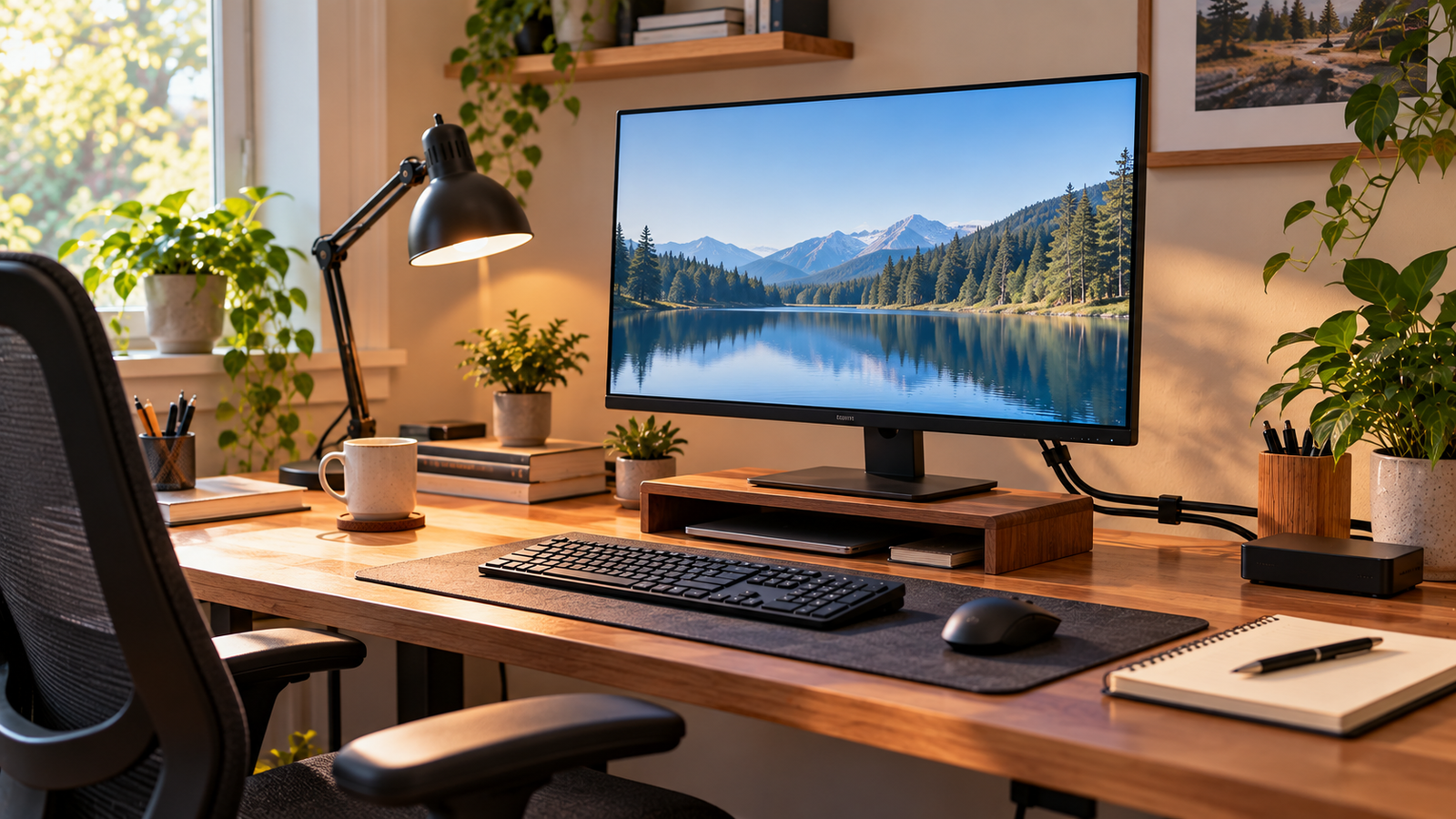
Plan monitor distance, mouse side, and cable drop for one desk.

Estimate gallons from room size, coats, and openings.
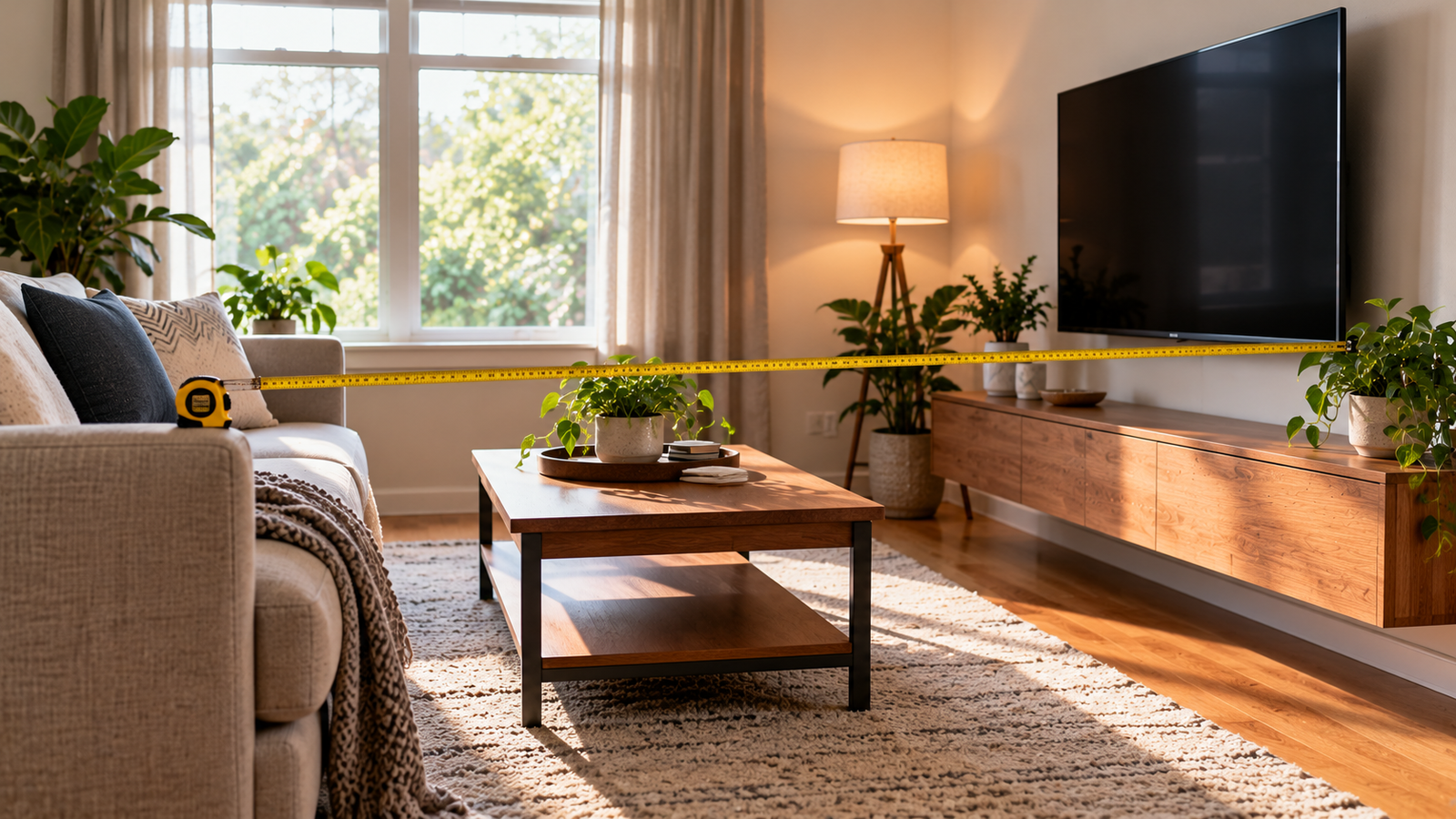
Turn a screen size into seat distances for two viewing angles.
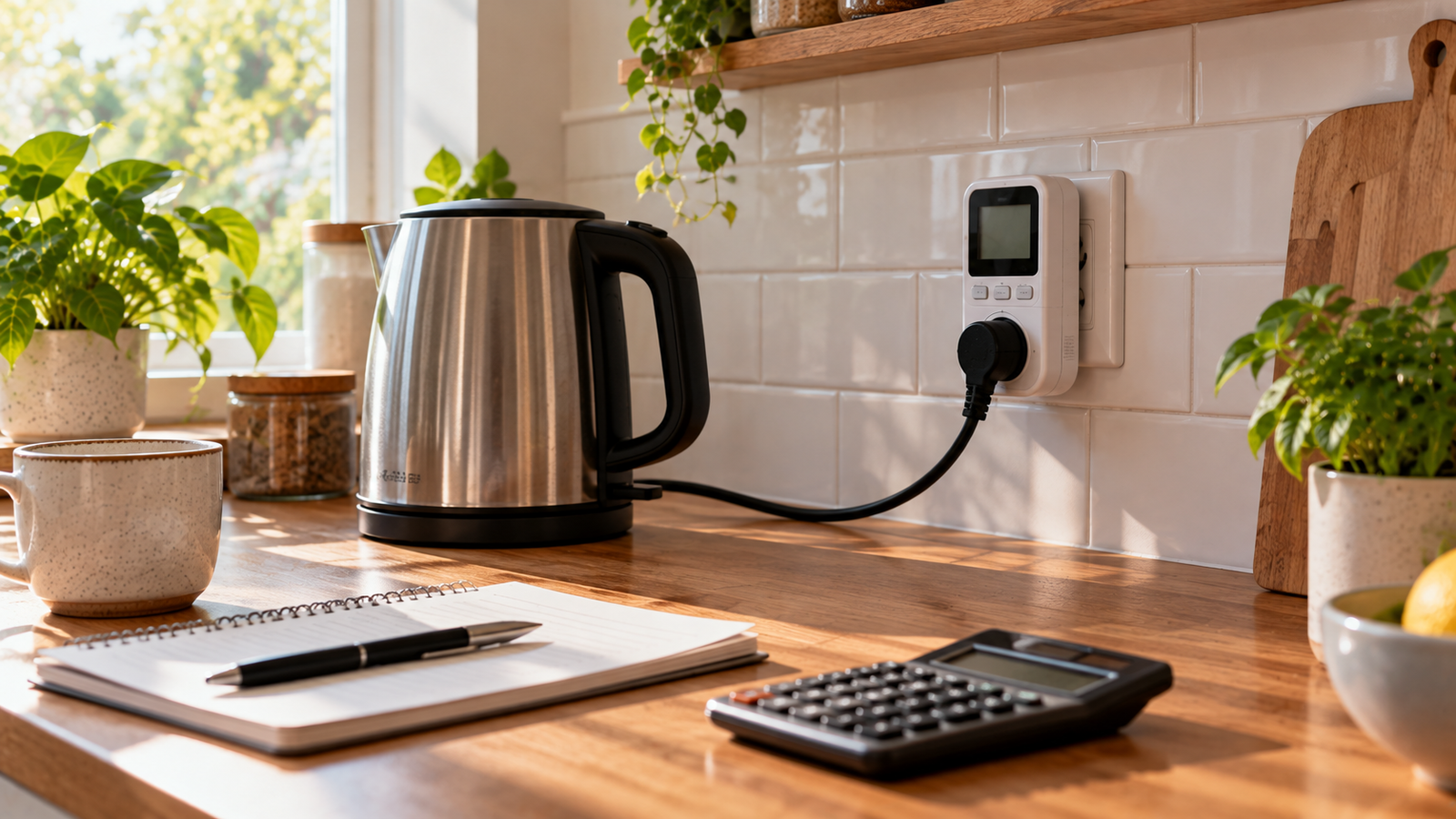
Estimate kilowatt-hours and cost from watts, hours, and your price.
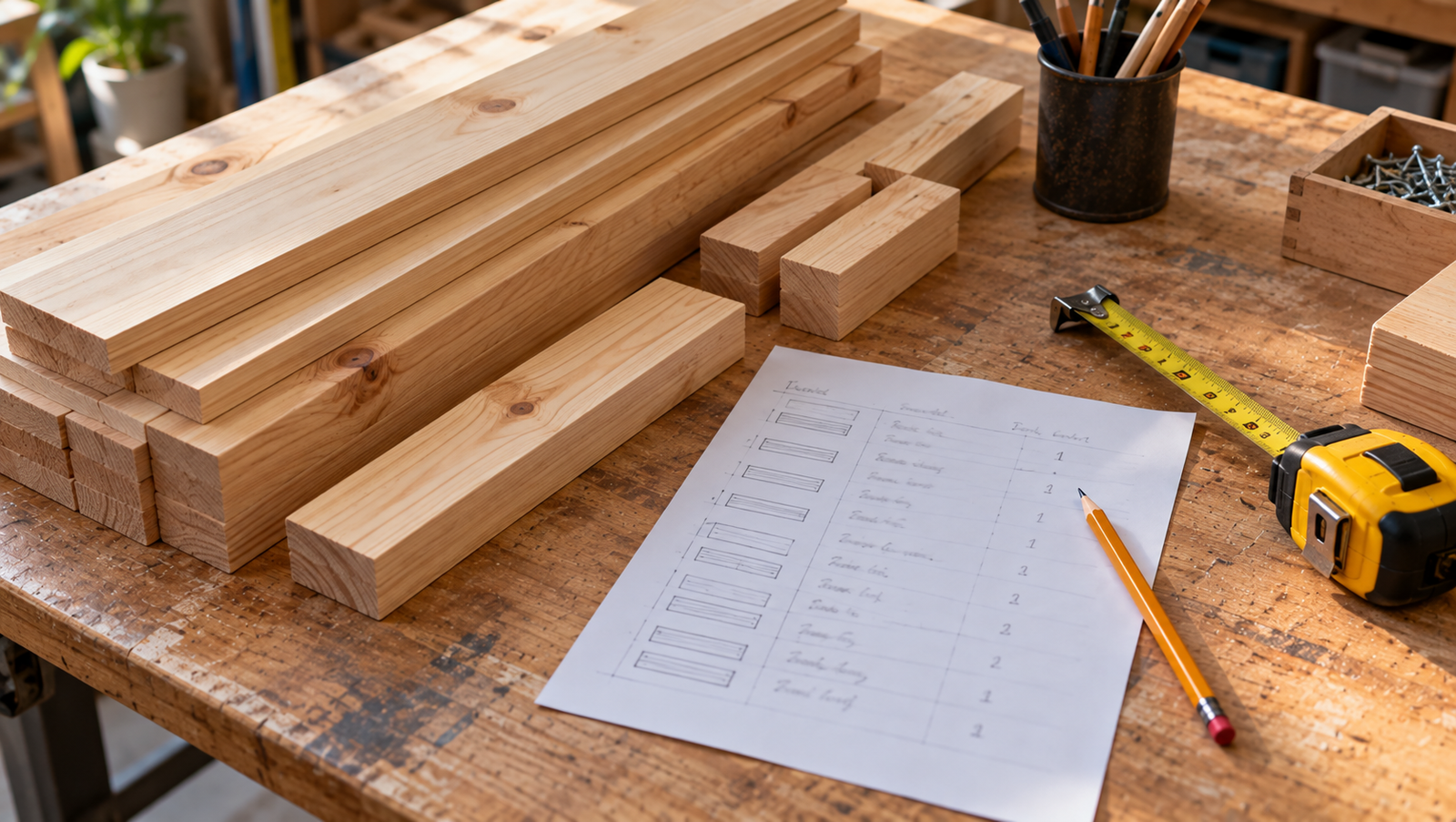
Turn a cut list into linear feet with a waste allowance.
Showing 1–20 of 144 guides · 20 per page · Open in Guides list
Page 1 of 8